
You open your browser to show a friend a funny video. You type one letter into the search bar.
Suddenly, a list of embarrassing questions you asked Google three months ago pops up. You panic and close the tab.
This is a sign of digital hoarding. Therefore, you need to delete your search history. It isn’t just about privacy; it is about mental clarity.
Your phone is full of digital dust. Here is why clearing it out makes your device (and your brain) run faster.
The “Digital Footprint” Anxiety
Why do we keep old data?
Basically, we are lazy. We think, “I might need that website again.” However, having thousands of cookies and history logs slows down the browser.
Additionally, it creates low-level anxiety. Subconsciously, you know that if someone unlocked your phone, they would see every weird medical question you ever asked. Clearing it removes that weight.

3 Steps to a Clean Slate
This takes less than 60 seconds. Do it right now.
1. Clear the “Last Hour”
If deleting everything feels scary, start small.
Go to your browser settings. Choose “Clear Browsing Data” and select “Last Hour” or “Last 24 Hours.”
This way, the immediate clutter is gone, but the saved passwords remain. It is a quick fix for the daily mess.
2. The “Cookie” Purge
Cookies are small files websites save to track you.
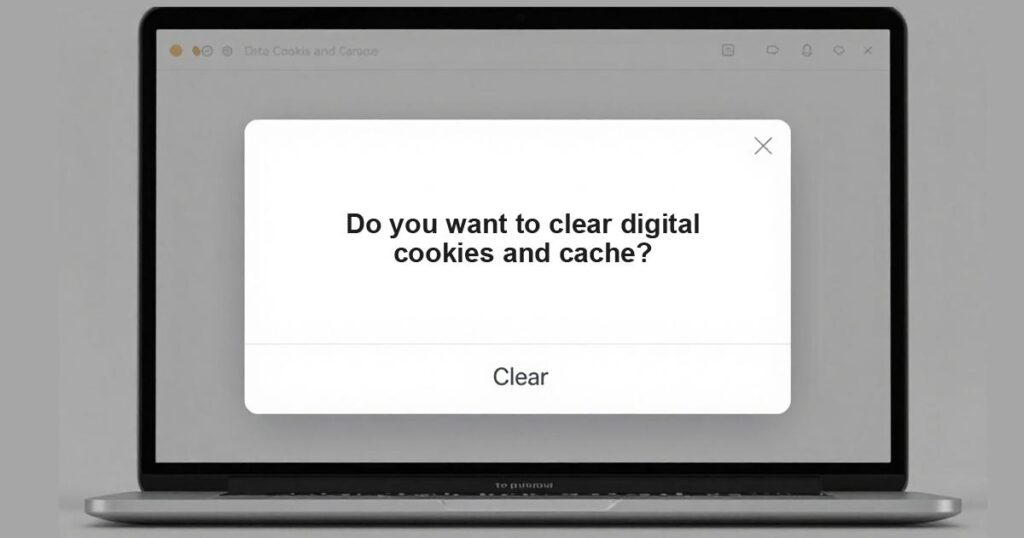
While some are useful, most are just ad trackers. Therefore, go to settings and hit “Clear Cookies and Cache.”
Suddenly, the phone might feel faster. The browser loads snappier because it isn’t carrying a backpack of old data.
3. Use “Incognito” for Random Thoughts
Stop clogging the main history with random questions.
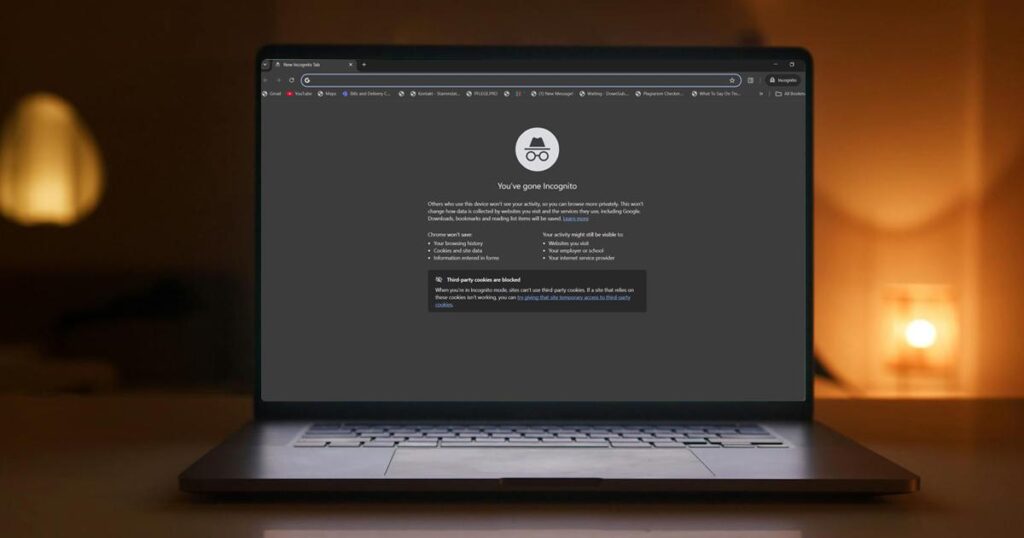
If you need to know “How tall is Tom Cruise” or “Is this mold dangerous,” use Incognito Mode (Private Mode).
As a result, the main history stays clean for important things, and the random brain dumps disappear automatically.
Common Questions About Digital Cleaning
Will I lose my passwords?
Not if you are careful. Most browsers have a separate checkbox for “Passwords.” Uncheck that box before hitting delete.
How often should I do this?
Once a week is ideal. Make it part of the Sunday Reset routine.
Does this stop Google from tracking me?
No. It only clears the data on your device. Google still knows, but your friends looking at your phone won’t know.
Conclusion
Your phone deserves a fresh start, and so do you.
So, go to settings. Hit that clear button. Enjoy the feeling of a blank slate.
Tell me in the comments: How many tabs do you have open right now? I currently have 42.