
You open social media. You see everyone sharing colorful charts of their Discord stats.
First, you see how many messages they sent. Next, you see who they talked to the most. Naturally, you want to see your own stats too.
But there is a problem. Unlike Spotify, Discord does not have an official ‘Wrapped’ feature. Therefore, you have to use third-party tools.
This is where it gets dangerous. If you click the wrong link, you could lose your account.
The “Fake Bot” Trap
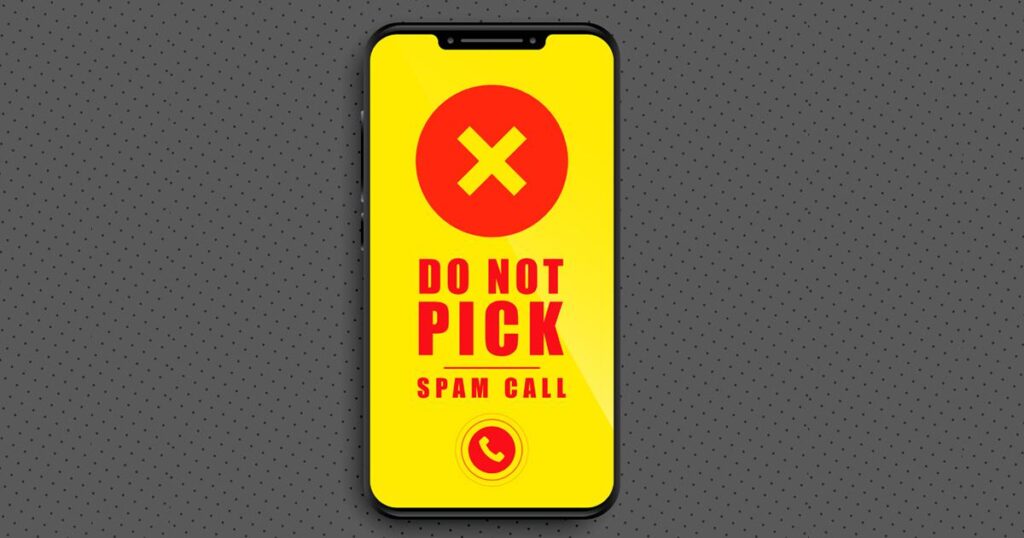
Scammers love trends. Right now, there are dozens of fake “Discord Wrapped” bots that ask you to log in with your password or scan a QR code.
Never do this.
A legitimate stats tool will never ask for your password. If a bot asks for your login info, it is a scam. It is trying to steal your “Token” to hijack your account.
The Safe Way to See Your Stats
You don’t need to risk your account to join the fun. Here is the safest method to get your yearly report.
1. Use “Discord Package” (The Data Method)
Privacy experts recommend this method. It takes longer. However, it is 100% safe because you don’t give anyone your login.
Step 1: Go to your Discord User Settings > Privacy & Safety.
Step 2: Scroll down and click “Request all of my data.”

It takes a few days for Discord to email you the file. Once you have it, upload the file. Use a trusted analyzer site like Discord Package. Since it is just a text file, it cannot hack you.
2. Stick to Verified Bots
Are you too impatient to wait for the email? Then, only use bots that are ‘Verified’ by Discord.
However, be careful. Even verified bots can request too much permission. If you just want to see your message count, the “Data Method” above is always smarter.
Common Questions About Discord Wrapped
Is Discord Wrapped official?
No. Discord does not make it. Third-party developers make it using your data.
Is it safe to download my data?
Yes. Requesting your data from Discord settings is completely safe. You are just downloading your own history.
How long does the data request take?
It usually takes a few days. Discord will email you when the file is ready to download.
Conclusion
Trends are fun, but account safety is forever.
Don’t let FOMO (Fear Of Missing Out) trick you into giving away your password. Request your data today, be patient, and enjoy your stats safely next week.
Tell me in the comments: Do you think your top-used emoji will be the skull 💀 or the crying face 😭?